Leap Kits by Frog Legs Media | DIY Marketing Kits for Local Businesses
Frog Legs Media Leap Kits

DIY marketing kits for local businesses

Leap Kits by Frog Legs Media

  • 10 DIY kits
  • Google Drive folder
  • Start Here in every kit

Ten DIY marketing kits for small local businesses. Each one is a step-by-step guide, the templates that go with it, and a Start Here page that links every file in order.

Shop the kits
The Complete Bundle box, all 10 Leap Kits

Three steps

How it works

Buy a kit, open the files, and follow them in order.

  1. 01

    Buy

    Choose one kit, a 3-kit bundle, or the Complete Bundle of all 10.

  2. 02

    Download instantly

    You get a shared Google Drive folder you can open right away. The files are a PDF, Google Docs, and Google Sheets you can copy and edit.

  3. 03

    Follow the Start Here guide

    Every kit includes a Start Here page. It links to every file in the right order.

The library

Shop the kits

Each kit stands on its own. Open one to see every file, who it is for, and what you can check off when you are done.

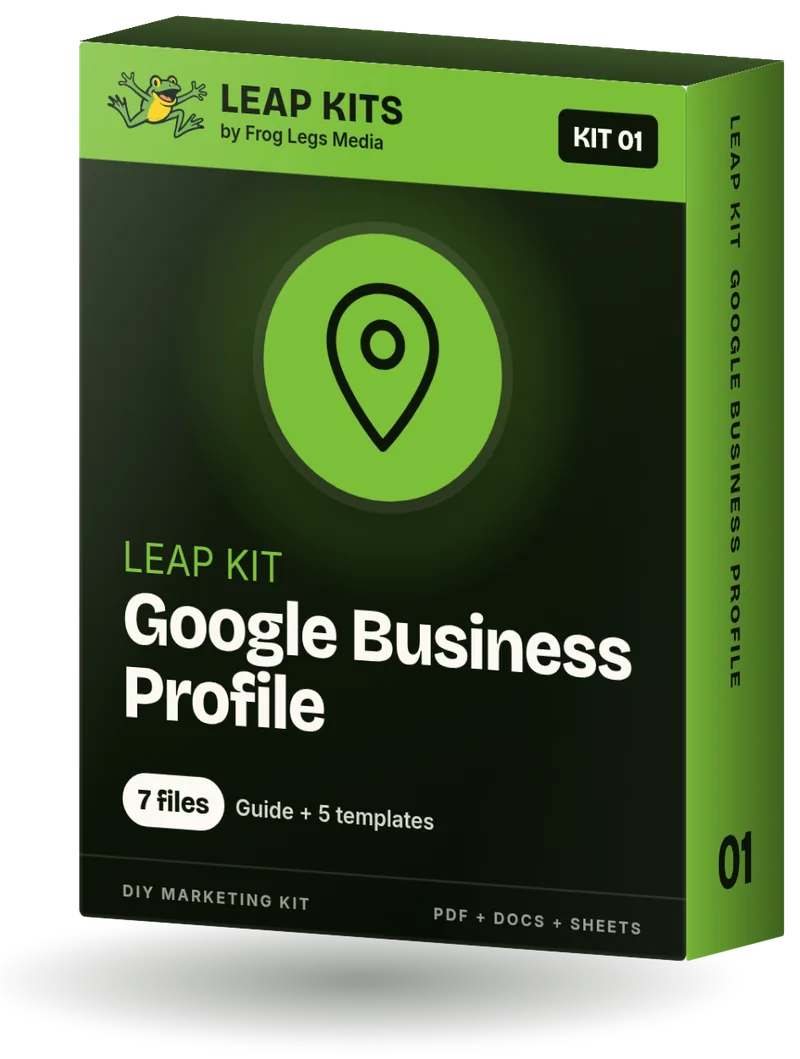
Leap Kit 01: Google Business Profile box

Kit 01

Google Business Profile

Claim, verify and fill out your Google Business Profile the right way, so people who search for you can call, visit and trust you.

Time: About 3 hours, plus verification wait

Quick win: A complete, accurate profile core

What's inside

  • Step-by-Step Guide PDF
  • Guide (Editable Google Doc) Google Doc
  • GBP Master Info Sheet Google Sheet
  • Business Description Templates Google Doc
  • Google Posts Pack Google Doc
  • Weekly 15-Minute Maintenance Checklist Google Doc
  • GBP AI Prompt Pack Google Doc

Plus Start Here (Google Doc): Your map of the kit, with links to every file in the right order.

$37

Leap Kit 08: Website Audit box

Kit 08

Website Audit

Score your website on 40 checks that matter to local customers, then fix the problems in the order that helps most.

Time: About 2 to 3 hours for the audit, then fixes as you go

Quick win: Your homepage passing the 5-second test

What's inside

  • Step-by-Step Guide PDF
  • Guide (Editable Google Doc) Google Doc
  • Website Audit Scorecard Google Sheet
  • Fix-It Guide: Top 10 Website Problems Google Doc
  • Homepage Headline Kit Google Doc
  • Free 20-Point Website Check PDF

Plus Start Here (Google Doc): Your map of the kit, with links to every file in the right order.

$37

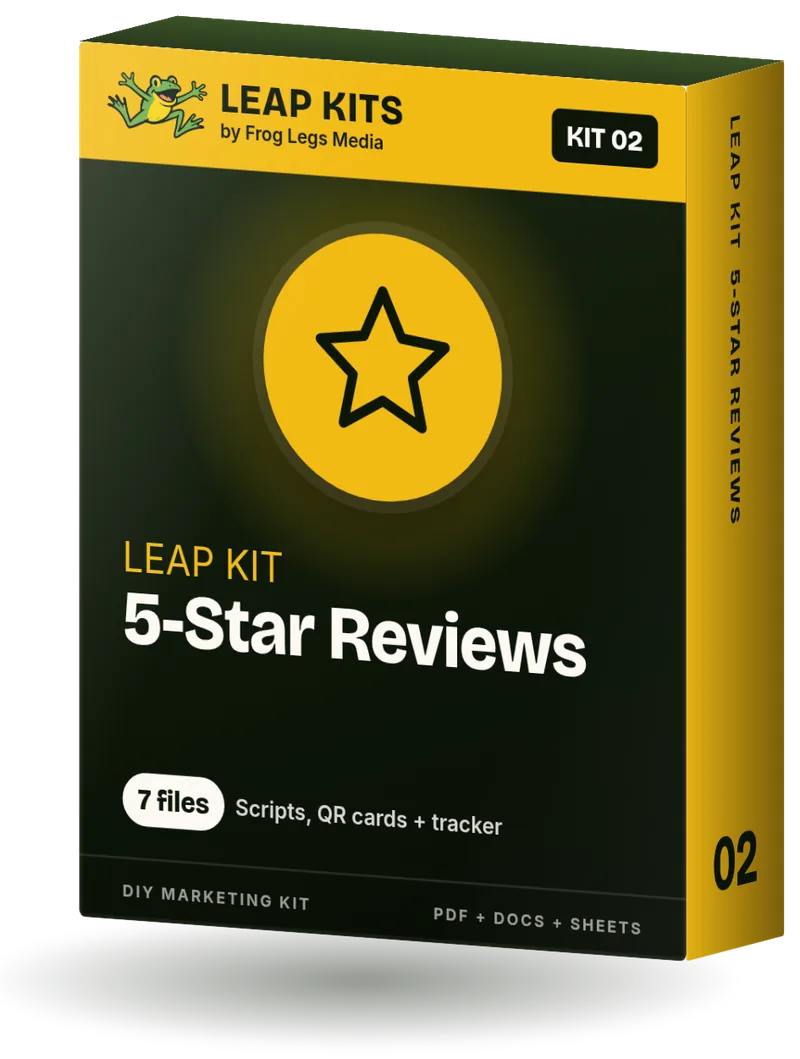
Leap Kit 02: 5-Star Reviews box

Kit 02

5-Star Reviews

A simple, honest system for asking every customer for a Google review, so it becomes a daily habit instead of an awkward afterthought.

Time: About 2 hours to set up, then 5 minutes a day

Quick win: Your review link sent to 5 happy customers today

What's inside

  • Step-by-Step Guide PDF
  • Guide (Editable Google Doc) Google Doc
  • Review Ask Scripts Google Doc
  • Staff Training One-Pager Google Doc
  • Review Response Templates Google Doc
  • Review Tracker Google Sheet
  • Printable QR Cards and Table Tent PDF

Plus Start Here (Google Doc): Your map of the kit, with links to every file in the right order.

$37

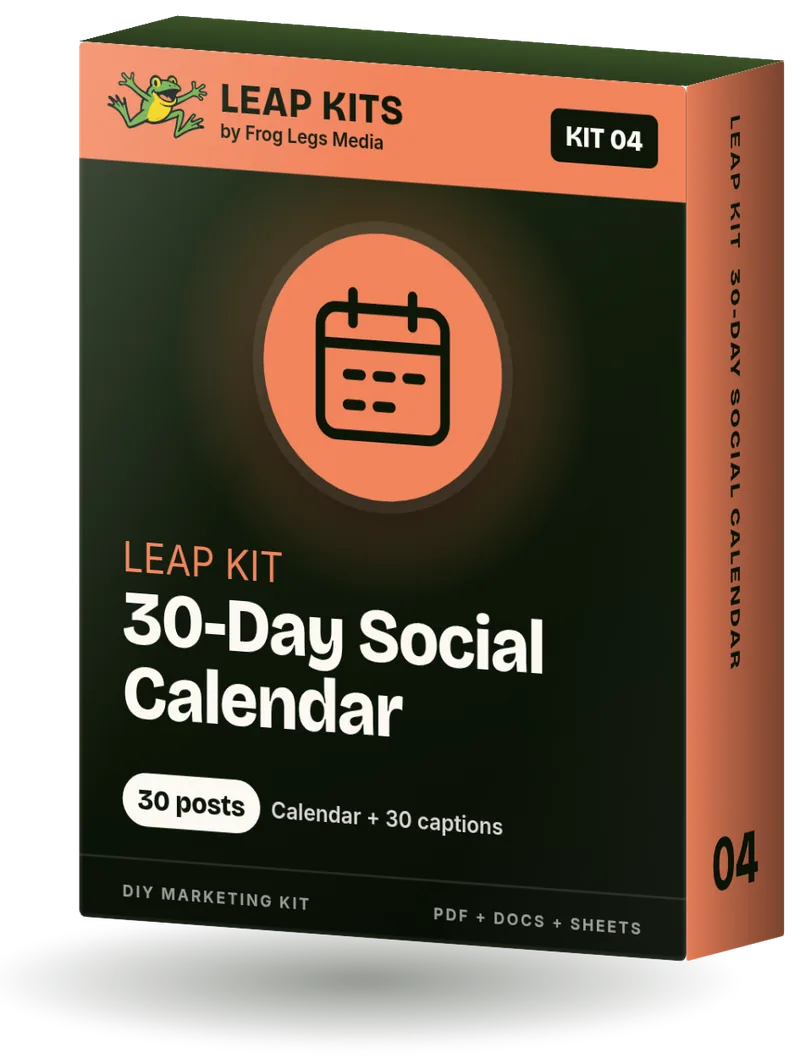
Leap Kit 04: 30-Day Social Calendar box

Kit 04

30-Day Social Calendar

Thirty days of post ideas and fill-in captions for a local business, plus a one-afternoon system to write, shoot and schedule the whole month.

Time: One 3 to 4 hour batching afternoon per month

Quick win: Your first week of posts scheduled

What's inside

  • Step-by-Step Guide PDF
  • Guide (Editable Google Doc) Google Doc
  • 30-Day Content Calendar Google Sheet
  • 30 Ready Captions Google Doc
  • Caption Formula Cheat Sheet Google Doc
  • Hashtag and Local Tag Guide Google Doc
  • Batch Afternoon Workflow Google Doc

Plus Start Here (Google Doc): Your map of the kit, with links to every file in the right order.

$37

Leap Kit 05: Reels and TikTok Hooks box

Kit 05

Reels and TikTok Hooks

100 opening hooks, 30 shot lists and 10 talking scripts so you always know what to film, what to say and what to put on screen.

Time: About 2 hours to plan a month, 10 to 20 minutes per video

Quick win: Your first hook-first video posted today

What's inside

  • Step-by-Step Guide PDF
  • Guide (Editable Google Doc) Google Doc
  • 100 Hooks Library Google Sheet
  • 30 Shot Lists Google Doc
  • 10 Talking-Head Scripts Google Doc
  • On-Screen Text and Caption Formulas Google Doc
  • Filming Checklist Google Doc
  • Video Planner Google Sheet

Plus Start Here (Google Doc): Your map of the kit, with links to every file in the right order.

$37

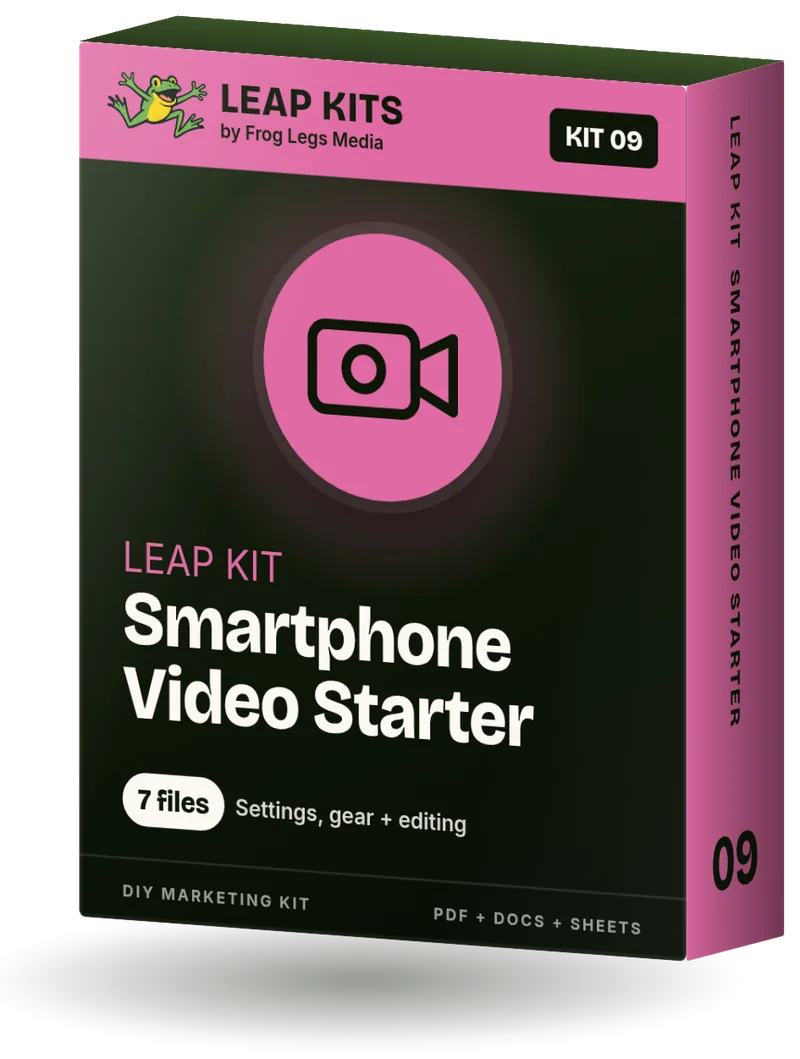
Leap Kit 09: Smartphone Video Starter box

Kit 09

Smartphone Video Starter

Film clear, well-lit, good-sounding video for your business with the phone in your pocket, then edit and export it the right way.

Time: About 2 hours to set up and practice, then 30 to 60 minutes per video

Quick win: A better-looking video today, with no new gear

What's inside

  • Step-by-Step Guide PDF
  • Guide (Editable Google Doc) Google Doc
  • Gear List: 3 Budget Tiers Google Doc
  • Phone Camera Settings Cheat Sheet Google Doc
  • Editing Walkthrough: CapCut and Edits Google Doc
  • 10-Minute Pre-Shoot Checklist Google Doc
  • Shot Planner Google Sheet

Plus Start Here (Google Doc): Your map of the kit, with links to every file in the right order.

$37

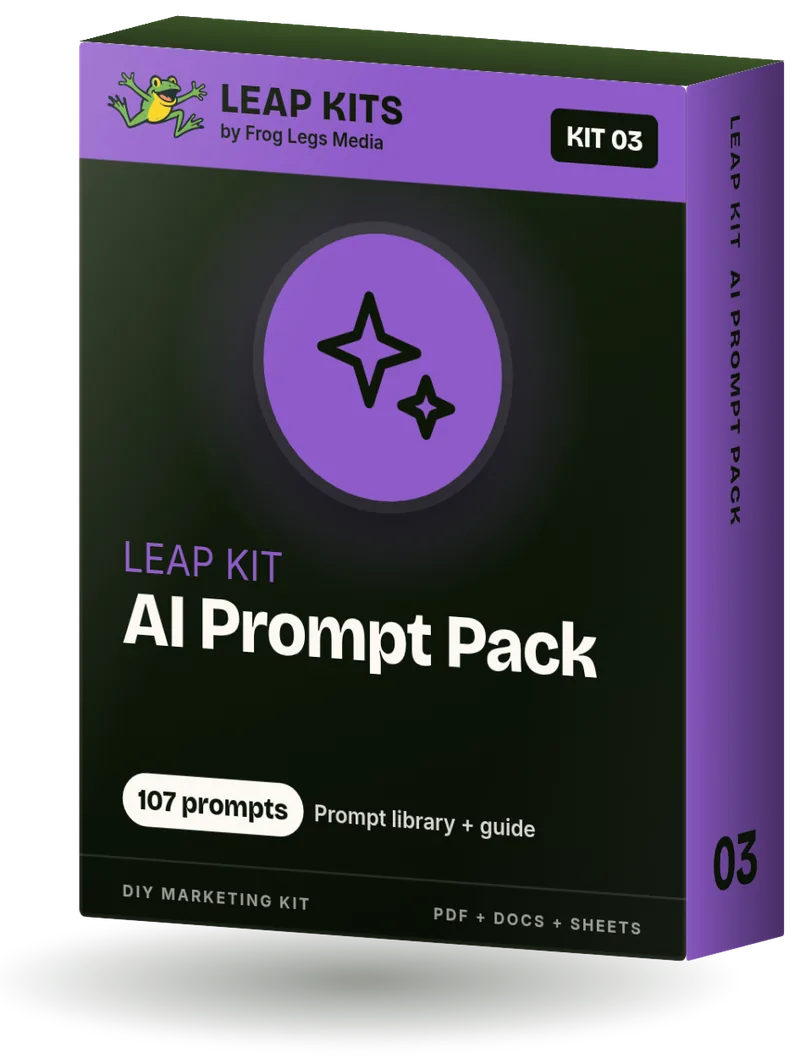
Leap Kit 03: AI Prompt Pack box

Kit 03

AI Prompt Pack

Turn any AI tool into a helpful marketing assistant that writes in your voice, with 107 prompts built for local business tasks.

Time: About 75 minutes to set up, then 60 minutes a week

Quick win: Your Business Brain plus a week of posts

What's inside

  • Step-by-Step Guide PDF
  • Guide (Editable Google Doc) Google Doc
  • Business Brain Prompt Google Doc
  • Prompt Library (Sheet) Google Sheet
  • Prompt Library (Doc) Google Doc
  • Weekly Content Batch Workflow Google Doc
  • AI Quality Checklist Google Doc

Plus Start Here (Google Doc): Your map of the kit, with links to every file in the right order.

$37

Leap Kit 07: 12-Month Promo Calendar box

Kit 07

12-Month Promo Calendar

Every holiday, shopping day and seasonal moment of 2027 that matters to a local business, with the date to start promoting each one.

Time: About 3 hours to plan the year, then 30 minutes a month

Quick win: Your next 90 days of promos picked

What's inside

  • Step-by-Step Guide PDF
  • Guide (Editable Google Doc) Google Doc
  • 2027 Promo Calendar Google Sheet
  • Printable 2027 Promo Calendar PDF
  • Monthly Promo Ideas and Brief Google Doc

Plus Start Here (Google Doc): Your map of the kit, with links to every file in the right order.

$37

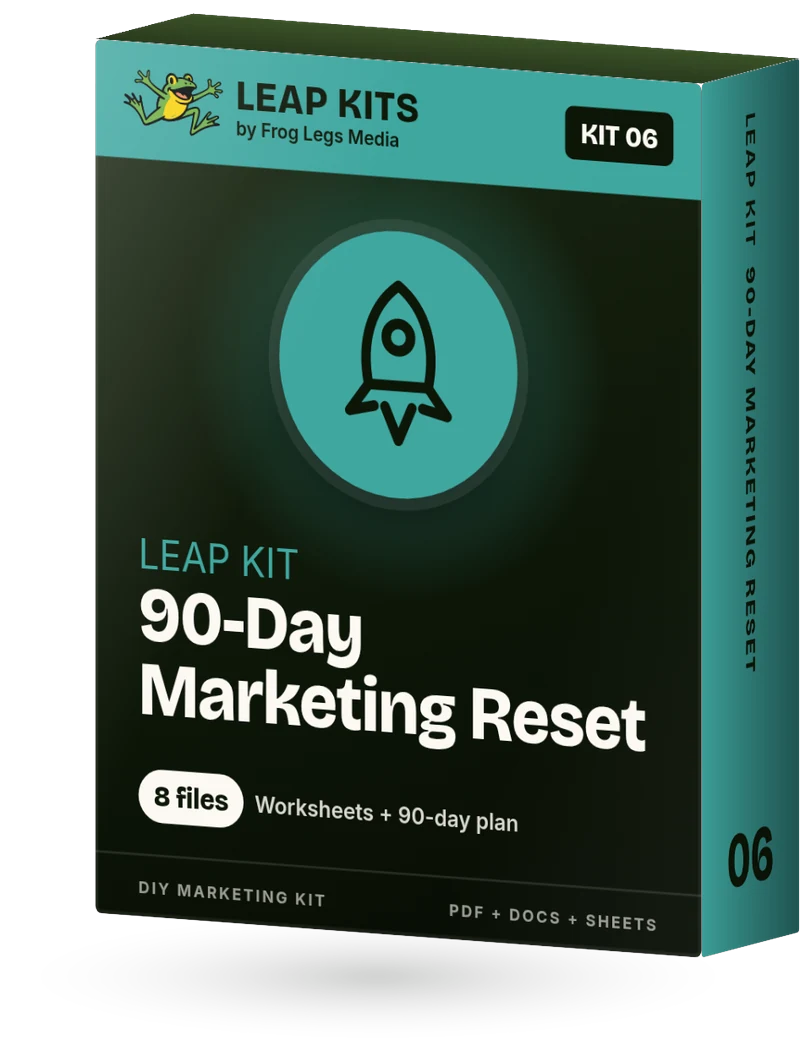
Leap Kit 06: 90-Day Marketing Reset box

Kit 06

90-Day Marketing Reset

Look back at the last 12 months, clean up your marketing, set a simple 90-day plan and run a promotion that fills your slow season. Works any time of year, and makes a great New Year kickoff.

Time: About 4 to 5 hours, split over 2 or 3 sittings

Quick win: Your first promo picked and scheduled

What's inside

  • Step-by-Step Guide PDF
  • Guide (Editable Google Doc) Google Doc
  • 12-Month Look-Back Worksheet Google Doc
  • Marketing Cleanup Checklist Google Doc
  • One-Page 90-Day Marketing Plan Google Doc
  • 90-Day Action Calendar Google Sheet
  • Slow-Season Promo Playbook Google Doc
  • Fresh Start Swipe Copy Google Doc

Plus Start Here (Google Doc): Your map of the kit, with links to every file in the right order.

$37

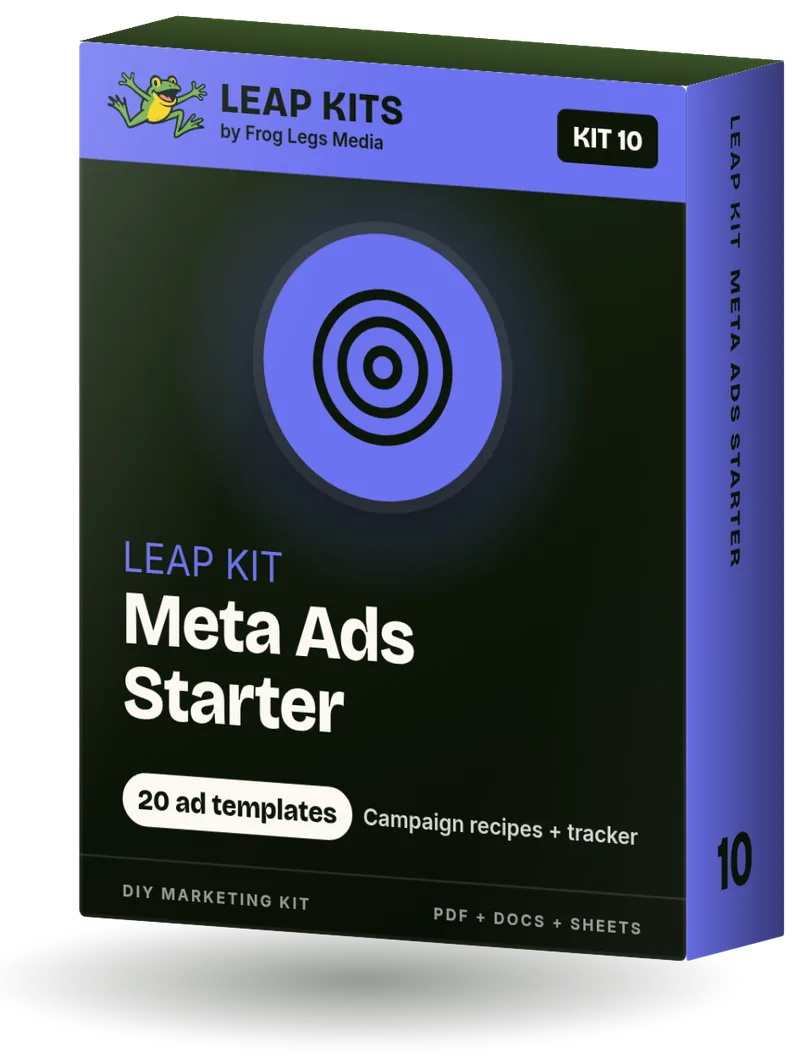
Leap Kit 10: Meta Ads Starter box

Kit 10

Meta Ads Starter

Set up Facebook and Instagram ads the right way, launch three beginner campaigns for a local business, and know what to check each week.

Time: About 3 to 4 hours to set up and launch, then 20 minutes a week

Quick win: Your ad accounts owned, safe and tracking

What's inside

  • Step-by-Step Guide PDF
  • Guide (Editable Google Doc) Google Doc
  • Meta Ads Setup Checklist Google Doc
  • 3 Beginner Campaign Recipes Google Doc
  • Local Radius Audience Guide Google Doc
  • 20 Ad Copy Templates Google Doc
  • Creative Specs and Brief Google Doc
  • Budget and Results Tracker Google Sheet

Plus Start Here (Google Doc): Your map of the kit, with links to every file in the right order.

$37

Three kits, or all 10

Bundles

A 3-kit bundle groups kits that belong together. The Complete Bundle is every kit.

The Complete Bundle box, all 10 Leap Kits

Best value

The Complete Bundle

All 10 Leap Kits. 70 files plus 10 Start Here pages. Includes every new kit we add during the first year.

Save $191 compared with buying each kit on its own.

$179

Leap Kit 01 Google Business Profile boxLeap Kit 02 5-Star Reviews boxLeap Kit 08 Website Audit box

Get Found Bundle

For owners who want more calls from Google.

Leap Kit 01 Google Business Profile, Leap Kit 02 5-Star Reviews, Leap Kit 08 Website Audit

Save $32 compared with buying each kit on its own.

$79

Leap Kit 04 30-Day Social Calendar boxLeap Kit 05 Reels and TikTok Hooks boxLeap Kit 09 Smartphone Video Starter box

Social Content Bundle

For owners who want to post consistently and make their own videos.

Leap Kit 04 30-Day Social Calendar, Leap Kit 05 Reels and TikTok Hooks, Leap Kit 09 Smartphone Video Starter

Save $32 compared with buying each kit on its own.

$79

Leap Kit 06 90-Day Marketing Reset boxLeap Kit 07 12-Month Promo Calendar boxLeap Kit 03 AI Prompt Pack box

Plan and Promote Bundle

For owners who want a plan for the year and help writing it.

Leap Kit 06 90-Day Marketing Reset, Leap Kit 07 12-Month Promo Calendar, Leap Kit 03 AI Prompt Pack

Save $32 compared with buying each kit on its own.

$79

Premium

Custom Leap Kit

$397

You fill out a short form. We personalize every doc for your business and deliver it in Google Drive.

Every file is made custom for your brand, from the answers you send. Delivery is within 2 business days, with one free round of tweaks.

What you send

  • Business name, logo, and hours
  • City and service area
  • Products and services
  • Prices, packages, and offers
  • Ideal customers and what they ask
  • Brand story, colors, fonts, and tone of voice
  • Competitors and what sets you apart
  • Goals, busy seasons, and key dates
  • Website and social links

What you get

  • Every doc personalized for your business
  • Your name and logo on every page
  • Your products in the captions, scripts, ad copy, and prompts
  • Your voice throughout
  • Your own Google Drive folder
  • An email with the link
  • One free round of tweaks

Good to know

FAQ

What do I get when I buy a kit?

A shared Google Drive folder for that kit. Inside is a designed step-by-step guide (a PDF and an editable Google Doc), the templates listed on the kit, and a Start Here page. You can copy the Docs and Sheets and edit them.

What is the Start Here page?

A Google Doc in every kit. It is your map of the kit, with links to every file in the right order.

How fast do I get the files?

Right away. You get a shared Google Drive folder you can open as soon as you have the link.

Who are these kits for?

Small local businesses. Open a kit to see the exact list. The kits name storefronts, service businesses, restaurants, salons, shops, studios, clinics, gyms, trades, and professional offices, depending on the kit.

Do I have to buy all 10?

No. Buy any one kit, one of the 3-kit bundles, or the Complete Bundle of all 10.

What is in the bundles?

Get Found Bundle: Leap Kit 01 Google Business Profile, Leap Kit 02 5-Star Reviews, and Leap Kit 08 Website Audit. For owners who want more calls from Google.

Social Content Bundle: Leap Kit 04 30-Day Social Calendar, Leap Kit 05 Reels and TikTok Hooks, and Leap Kit 09 Smartphone Video Starter. For owners who want to post consistently and make their own videos.

Plan and Promote Bundle: Leap Kit 06 90-Day Marketing Reset, Leap Kit 07 12-Month Promo Calendar, and Leap Kit 03 AI Prompt Pack. For owners who want a plan for the year and help writing it.

The Complete Bundle: all 10 Leap Kits, 70 files plus 10 Start Here pages. It includes every new kit we add during the first year.

How long does each kit take?
  • Leap Kit 01 Google Business Profile: About 3 hours, plus verification wait
  • Leap Kit 02 5-Star Reviews: About 2 hours to set up, then 5 minutes a day
  • Leap Kit 03 AI Prompt Pack: About 75 minutes to set up, then 60 minutes a week
  • Leap Kit 04 30-Day Social Calendar: One 3 to 4 hour batching afternoon per month
  • Leap Kit 05 Reels and TikTok Hooks: About 2 hours to plan a month, 10 to 20 minutes per video
  • Leap Kit 06 90-Day Marketing Reset: About 4 to 5 hours, split over 2 or 3 sittings
  • Leap Kit 07 12-Month Promo Calendar: About 3 hours to plan the year, then 30 minutes a month
  • Leap Kit 08 Website Audit: About 2 to 3 hours for the audit, then fixes as you go
  • Leap Kit 09 Smartphone Video Starter: About 2 hours to set up and practice, then 30 to 60 minutes per video
  • Leap Kit 10 Meta Ads Starter: About 3 to 4 hours to set up and launch, then 20 minutes a week
What is a Custom Leap Kit?

The premium tier. You fill out a short form with your business name, logo, city and service area, products and services, prices and offers, ideal customers, brand colors, tone of voice, and your website and social links. We make every doc custom for your brand from those answers. Your name and logo go on every page. Your products go in the captions, scripts, ad copy, and prompts. Your voice runs through the files. The finished files go in your own Google Drive folder, and you get an email with the link. Delivery is within 2 business days, with one free round of tweaks. The starting price is shown in the Custom Leap Kit section. Checkout is open. After you pay, you go straight to a short intake form.

Are the prices final?

Yes. Checkout is open for every kit, bundle, and the Custom Leap Kit.

Can I edit the files?

Yes. The Google Docs and Google Sheets are yours to copy and edit. The PDF is the designed guide. Read that first.


Leap Kit 01

Google Business Profile

Claim, verify and fill out your Google Business Profile the right way, so people who search for you can call, visit and trust you.

Who it is for

  • Local businesses with no profile yet, or a profile someone else created
  • Owners with an unclaimed or unverified profile
  • Profiles that exist but are bare: few photos, old hours, no posts
  • Storefronts and service-area businesses (plumbers, cleaners, mobile groomers) alike

The problem it solves

Customers find you on Google and Maps before anything else. Wrong hours, a bare profile or an unverified listing sends them to the next business on the list.

Exactly what is inside

  • Step-by-Step Guide PDF

    The full designed step-by-step guide. Read this first.

  • Guide (Editable Google Doc) Google Doc

    The same guide as an editable Google Doc, so you can make notes and changes.

  • GBP Master Info Sheet Google Sheet

    Fill in your business details once, then copy them into Google and other listings.

  • Business Description Templates Google Doc

    Fill-in formula and 10 industry examples.

  • Google Posts Pack Google Doc

    Post templates and 12 ready ideas.

  • Weekly 15-Minute Maintenance Checklist Google Doc

    Printable weekly and monthly routine.

  • GBP AI Prompt Pack Google Doc

    Copy-paste prompts for descriptions, services, posts, replies and FAQs.

Start Here Google Doc

Your map of the kit, with links to every file in the right order.

7 files plus a Start Here page, delivered as a shared Google Drive folder (PDF, Docs and Sheets you can copy and edit).

When you are done, you can check off

  • My profile is claimed and verified, and I can see the "Edit profile" options when signed in
  • Business name matches my real-world signage, with no extra keywords
  • Primary category is the single best match; secondary categories cover my other main services
  • Phone, website (with tracking tag), address or service area and regular hours are correct
  • Holiday and special hours are entered for the next 3 months
  • Description is written, under 750 characters, with no links or promo language
  • Every main service or product is listed with a short description
  • Logo, cover photo and at least 10 real photos are uploaded
  • Relevant attributes and my booking or menu link are added
  • At least one post is live, and I have 3 more planned
  • I replied to every review from the last 90 days
  • A 15-minute weekly routine is on my calendar

Time to complete

About 3 hours, plus verification wait

Quick win in your first sitting

A complete, accurate profile core

$37

Leap Kit 08

Website Audit

Score your website on 40 checks that matter to local customers, then fix the problems in the order that helps most.

Who it is for

  • Owners of local service, retail, restaurant and professional websites
  • Sites built on Wix, Squarespace, WordPress, Shopify, GoDaddy or similar
  • Anyone who suspects their site is not bringing in calls but does not know why
  • Owners getting ready to talk to a web designer who want to know what to ask for

The problem it solves

Customers decide in a few seconds whether to call, book or go back to Google. Most owners do not know what on their site is costing them.

Exactly what is inside

  • Step-by-Step Guide PDF

    The full designed step-by-step guide. Read this first.

  • Guide (Editable Google Doc) Google Doc

    The same guide as an editable Google Doc, so you can make notes and changes.

  • Website Audit Scorecard Google Sheet

    40 checks, scores and a ranked Fix First list.

  • Fix-It Guide: Top 10 Website Problems Google Doc

    How to fix the 10 most common problems.

  • Homepage Headline Kit Google Doc

    Formula, 12 examples and an AI prompt.

  • Free 20-Point Website Check PDF

    Shareable lite version (lead magnet).

Start Here Google Doc

Your map of the kit, with links to every file in the right order.

6 files plus a Start Here page, delivered as a shared Google Drive folder (PDF, Docs and Sheets you can copy and edit).

When you are done, you can check off

  • I made my own copy of the Website Audit Scorecard
  • Every check is marked Pass, Partial, Fail or N/A
  • I ran PageSpeed Insights on my homepage and main service page
  • My site is verified in Google Search Console with a sitemap submitted
  • My Fix First list shows my top problems in order
  • My homepage headline says what I do and where
  • I tested my phone link and contact form on a real phone
  • I put a date on my calendar to re-audit in 6 months

Time to complete

About 2 to 3 hours for the audit, then fixes as you go

Quick win in your first sitting

Your homepage passing the 5-second test

$37

Leap Kit 02

5-Star Reviews

A simple, honest system for asking every customer for a Google review, so it becomes a daily habit instead of an awkward afterthought.

Who it is for

  • Businesses with only a handful of reviews, or reviews that are years old
  • Owners and staff who feel awkward asking
  • Storefronts, service businesses, clinics, restaurants and studios
  • Anyone who has a Google Business Profile (set it up first with Leap Kit 01)

The problem it solves

Most happy customers will leave a review if asked at the right moment, but most businesses never ask, or ask once and forget.

Exactly what is inside

  • Leap Kit 02 - 5-Star Reviews - Step-by-Step Guide PDF

    The full designed step-by-step guide. Read this first.

  • Leap Kit 02 - 5-Star Reviews - Guide (Editable Google Doc) Google Doc

    The same guide as an editable Google Doc, so you can make notes and changes.

  • Review Ask Scripts Google Doc

    In-person, text, email and follow-up scripts.

  • Staff Training One-Pager Google Doc

    10-minute huddle sheet.

  • Review Response Templates Google Doc

    Replies for every star rating.

  • Review Tracker Google Sheet

    Ask log, reviews received and weekly totals.

  • Printable QR Cards and Table Tent PDF

    Counter cards, table tent and pocket cards.

Start Here Google Doc

Your map of the kit, with links to every file in the right order.

7 files plus a Start Here page, delivered as a shared Google Drive folder (PDF, Docs and Sheets you can copy and edit).

When you are done, you can check off

  • I have my Google review link saved where I and my staff can grab it fast
  • I downloaded my QR code and placed printed cards where customers wait or pay
  • I picked 1 or 2 "ask moments" that fit my business
  • Scripts are chosen and saved as text shortcuts or email templates
  • A single follow-up message is scheduled for people who did not review yet
  • My team had the 10-minute huddle and practiced the ask out loud
  • The Review Tracker is set up and someone logs asks daily
  • I replied to every review from the last 90 days
  • Nobody is offered a reward for a Google review, and we ask every customer, not just happy ones

Time to complete

About 2 hours to set up, then 5 minutes a day

Quick win in your first sitting

Your review link sent to 5 happy customers today

$37

Leap Kit 04

30-Day Social Calendar

Thirty days of post ideas and fill-in captions for a local business, plus a one-afternoon system to write, shoot and schedule the whole month.

Who it is for

  • Owners who post randomly, rarely or not at all
  • Restaurants, salons, shops, studios, home services and professional offices
  • Anyone who manages Facebook, Instagram, TikTok or Google posts for a local business
  • Teams who want one simple monthly plan everyone can follow

The problem it solves

The hard part of social media is deciding what to post every single day. This kit makes that decision for a full month.

Exactly what is inside

  • Leap Kit 04 - 30-Day Social Calendar - Step-by-Step Guide PDF

    The full designed step-by-step guide. Read this first.

  • Leap Kit 04 - 30-Day Social Calendar - Guide (Editable Google Doc) Google Doc

    The same guide as an editable Google Doc, so you can make notes and changes.

  • 30-Day Content Calendar Google Sheet

    All 30 posts with dates and status.

  • 30 Ready Captions Google Doc

    All 30 captions with fill-in brackets.

  • Caption Formula Cheat Sheet Google Doc

    One formula per content type.

  • Hashtag and Local Tag Guide Google Doc

    Build reusable hashtag sets.

  • Batch Afternoon Workflow Google Doc

    Hour-by-hour batching plan.

Start Here Google Doc

Your map of the kit, with links to every file in the right order.

7 files plus a Start Here page, delivered as a shared Google Drive folder (PDF, Docs and Sheets you can copy and edit).

When you are done, you can check off

  • I chose my platforms and posting days
  • I made my own copy of the 30-Day Content Calendar and set the start date
  • All 30 captions are customized with real details
  • Photos and videos for at least the first 2 weeks are shot
  • Each post has a few relevant local and industry hashtags
  • The first 2 to 4 weeks are scheduled in Meta Business Suite, Buffer or the platform
  • I have 5 minutes a day blocked to reply to comments and messages
  • Next month's batching afternoon is on the calendar

Time to complete

One 3 to 4 hour batching afternoon per month

Quick win in your first sitting

Your first week of posts scheduled

$37

Leap Kit 05

Reels and TikTok Hooks

100 opening hooks, 30 shot lists and 10 talking scripts so you always know what to film, what to say and what to put on screen.

Who it is for

  • Owners and staff who know video matters but freeze when the camera turns on
  • Businesses that film sometimes but never know what to make next
  • Restaurants, salons, shops, gyms, trades and service businesses
  • Anyone posting to Instagram Reels, TikTok, YouTube Shorts or Facebook Reels

The problem it solves

Short video reaches people who do not follow you yet, but most owners freeze because they do not know what to film or how to start.

Exactly what is inside

  • Step-by-Step Guide PDF

    The full designed step-by-step guide. Read this first.

  • Guide (Editable Google Doc) Google Doc

    The same guide as an editable Google Doc, so you can make notes and changes.

  • 100 Hooks Library Google Sheet

    100 hooks by goal.

  • 30 Shot Lists Google Doc

    30 video formats, shot by shot.

  • 10 Talking-Head Scripts Google Doc

    Short scripts for talking to camera.

  • On-Screen Text and Caption Formulas Google Doc

    Text overlay templates and caption formulas.

  • Filming Checklist Google Doc

    2-minute pre-shoot and post-shoot checklist.

  • Video Planner Google Sheet

    Plan and track a month of videos.

Start Here Google Doc

Your map of the kit, with links to every file in the right order.

8 files plus a Start Here page, delivered as a shared Google Drive folder (PDF, Docs and Sheets you can copy and edit).

When you are done, you can check off

  • I picked 4 to 8 videos for this month in the Video Planner
  • Each planned video has a goal, a hook and a format
  • I filmed at least one video using a shot list
  • My on-screen text shows the hook in the first second
  • Captions or subtitles are on every talking video
  • Music is from the platform's business-safe library, or I used original audio
  • I replied to comments within a day
  • I checked views and watch time after 2 weeks and noted what worked

Time to complete

About 2 hours to plan a month, 10 to 20 minutes per video

Quick win in your first sitting

Your first hook-first video posted today

$37

Leap Kit 09

Smartphone Video Starter

Film clear, well-lit, good-sounding video for your business with the phone in your pocket, then edit and export it the right way.

Who it is for

  • Owners and staff who will film their own Reels, TikToks and Shorts
  • Anyone who has tried video and did not like how it looked or sounded
  • Restaurants, salons, contractors, retailers, gyms and professionals
  • Pairs well with Leap Kit: Reels and TikTok Hooks for what to say

The problem it solves

Video looks amateur because of light, sound, framing and shaky hands, not because of the phone. All of that is fixable for little or no money.

Exactly what is inside

  • Step-by-Step Guide PDF

    The full designed step-by-step guide. Read this first.

  • Guide (Editable Google Doc) Google Doc

    The same guide as an editable Google Doc, so you can make notes and changes.

  • Gear List: 3 Budget Tiers Google Doc

    What to use now, buy first and buy later.

  • Phone Camera Settings Cheat Sheet Google Doc

    iPhone and Android settings.

  • Editing Walkthrough: CapCut and Edits Google Doc

    8 editing steps, music rules, export settings.

  • 10-Minute Pre-Shoot Checklist Google Doc

    Run it before every video.

  • Shot Planner Google Sheet

    Shot list, shoot-day schedule and B-roll bank.

Start Here Google Doc

Your map of the kit, with links to every file in the right order.

7 files plus a Start Here page, delivered as a shared Google Drive folder (PDF, Docs and Sheets you can copy and edit).

When you are done, you can check off

  • My phone settings are set (resolution, frame rate, grid) and I know how to lock focus
  • I have a filming spot with good light, at eye level
  • My sound is clear: I tested a mic or filmed close in a quiet room
  • I filmed one sequence: wide, medium, close-up, detail and reaction
  • I recorded a talking-to-camera video using a sticky-note script
  • I edited it in CapCut, Edits or my phone editor with captions
  • I exported at 1080 x 1920 and posted it
  • The Pre-Shoot Checklist is printed where I film

Time to complete

About 2 hours to set up and practice, then 30 to 60 minutes per video

Quick win in your first sitting

A better-looking video today, with no new gear

$37

Leap Kit 03

AI Prompt Pack

Turn any AI tool into a helpful marketing assistant that writes in your voice, with 107 prompts built for local business tasks.

Who it is for

  • Owners who tried AI and got generic, robotic results
  • Busy teams who need posts, emails and replies fast
  • Anyone who writes their own marketing and wants a head start
  • Beginners: no tech skills needed beyond copy and paste

The problem it solves

Typing "write a post for my bakery" into AI gets bland copy that could be about anyone. Good results need a clear picture of your business and better prompts.

Exactly what is inside

  • Step-by-Step Guide PDF

    The full designed step-by-step guide. Read this first.

  • Guide (Editable Google Doc) Google Doc

    The same guide as an editable Google Doc, so you can make notes and changes.

  • Business Brain Prompt Google Doc

    Fill-in profile you give the AI once.

  • Prompt Library (Sheet) Google Sheet

    All 107 prompts, filterable.

  • Prompt Library (Doc) Google Doc

    All prompts in a readable doc.

  • Weekly Content Batch Workflow Google Doc

    60-minute weekly routine.

  • AI Quality Checklist Google Doc

    Remove generic AI wording and risky claims.

Start Here Google Doc

Your map of the kit, with links to every file in the right order.

7 files plus a Start Here page, delivered as a shared Google Drive folder (PDF, Docs and Sheets you can copy and edit).

When you are done, you can check off

  • I chose an AI tool and checked its privacy and data settings
  • My Business Brain is filled out with real, specific facts
  • It is saved in my AI tool as standing instructions, a project or a saved prompt
  • I ran at least 3 prompts from the Prompt Library
  • I marked my favorite prompts in the Prompt Library Sheet
  • My weekly 60-minute batch is on the calendar
  • I run the AI Quality Checklist before anything gets published
  • I never paste customer private info, passwords or payment details into an AI tool

Time to complete

About 75 minutes to set up, then 60 minutes a week

Quick win in your first sitting

Your Business Brain plus a week of posts

$37

Leap Kit 07

12-Month Promo Calendar

Every holiday, shopping day and seasonal moment of 2027 that matters to a local business, with the date to start promoting each one.

Who it is for

  • Restaurants, cafes, salons, boutiques, gyms and service businesses
  • Owners who keep remembering holidays the day before
  • Anyone who wants one main promotion a month without scrambling
  • Teams that want a printed calendar on the wall

The problem it solves

Most promotions fail because they start too late. The Valentine's post that goes up on February 13 is already behind.

Exactly what is inside

  • Leap Kit 07 - 12-Month Promo Calendar - Step-by-Step Guide PDF

    The full designed step-by-step guide. Read this first.

  • Leap Kit 07 - 12-Month Promo Calendar - Guide (Editable Google Doc) Google Doc

    The same guide as an editable Google Doc, so you can make notes and changes.

  • 2027 Promo Calendar Google Sheet

    60+ dates with start-promoting dates, plan and events planner.

  • Printable 2027 Promo Calendar PDF

    Year at a glance plus 12 month pages.

  • Monthly Promo Ideas and Brief Google Doc

    5 ideas per month and a promo brief template.

Start Here Google Doc

Your map of the kit, with links to every file in the right order.

5 files plus a Start Here page, delivered as a shared Google Drive folder (PDF, Docs and Sheets you can copy and edit).

When you are done, you can check off

  • I made my own copy of the 2027 Promo Calendar Sheet
  • Every date is marked Yes, Maybe or No for my business
  • My local events are in the Local Events Planner tab
  • Each month has one main promo in My 12-Month Plan
  • Start-promoting dates for my top promos are on my real calendar
  • The printable calendar is on the wall where my team sees it
  • I filled out a promo brief for my next promotion
  • A monthly 30-minute planning check is on my calendar

Time to complete

About 3 hours to plan the year, then 30 minutes a month

Quick win in your first sitting

Your next 90 days of promos picked

$37

Leap Kit 06

90-Day Marketing Reset

Look back at the last 12 months, clean up your marketing, set a simple 90-day plan and run a promotion that fills your slow season. Works any time of year, and makes a great New Year kickoff.

Who it is for

  • Owners who want a simple 90-day plan, not a 40-page strategy
  • Businesses heading into a slow season, whenever yours is
  • Anyone whose logins, profiles and hours are a little out of date
  • Restaurants, salons, gyms, retail, home services and professional offices

The problem it solves

Every business has slow stretches, and logins, profiles and plans drift out of date. This reset works any time of year, and makes a great New Year kickoff.

Exactly what is inside

  • Step-by-Step Guide PDF

    The full designed step-by-step guide. Read this first.

  • Guide (Editable Google Doc) Google Doc

    The same guide as an editable Google Doc, so you can make notes and changes.

  • 12-Month Look-Back Worksheet Google Doc

    Learn from the last 12 months in under an hour.

  • Marketing Cleanup Checklist Google Doc

    Logins, access, profiles, links and hours.

  • One-Page 90-Day Marketing Plan Google Doc

    One goal, three channels, monthly focus.

  • 90-Day Action Calendar Google Sheet

    Prep week plus 13 weeks. Start any Monday.

  • Slow-Season Promo Playbook Google Doc

    18 offer ideas and a 4-week launch timeline.

  • Fresh Start Swipe Copy Google Doc

    Posts, emails, texts, Google post and signs.

Start Here Google Doc

Your map of the kit, with links to every file in the right order.

8 files plus a Start Here page, delivered as a shared Google Drive folder (PDF, Docs and Sheets you can copy and edit).

When you are done, you can check off

  • I filled out the 12-Month Look-Back Worksheet with real numbers
  • Every login, admin role and profile is on the Marketing Cleanup Checklist and current
  • My One-Page 90-Day Marketing Plan has one main goal and three channels
  • The 90-Day Action Calendar is copied and has my own start date and events added
  • My promo is chosen, with a start date, end date and clear terms
  • Posts, emails, texts, a Google offer post and in-store signs are scheduled or ready
  • My team knows the offer and how to ring it up
  • A monthly 30-minute marketing review is on my calendar

Time to complete

About 4 to 5 hours, split over 2 or 3 sittings

Quick win in your first sitting

Your first promo picked and scheduled

$37

Leap Kit 10

Meta Ads Starter

Set up Facebook and Instagram ads the right way, launch three beginner campaigns for a local business, and know what to check each week.

Who it is for

  • Local businesses running their first Facebook or Instagram ads
  • Owners who have only boosted posts and want more control
  • Anyone who wants to check an agency or freelancer's setup
  • Restaurants, salons, home services, fitness, retail and professional services

The problem it solves

Boosting posts can burn money without teaching you anything. A proper setup you own is the foundation for ads that work.

Exactly what is inside

  • Step-by-Step Guide PDF

    The full designed step-by-step guide. Read this first.

  • Guide (Editable Google Doc) Google Doc

    The same guide as an editable Google Doc, so you can make notes and changes.

  • Meta Ads Setup Checklist Google Doc

    Accounts, payment, tracking, special categories.

  • 3 Beginner Campaign Recipes Google Doc

    Awareness, messages or leads, retargeting.

  • Local Radius Audience Guide Google Doc

    How far to target and who to include.

  • 20 Ad Copy Templates Google Doc

    Awareness, offers, leads and retargeting.

  • Creative Specs and Brief Google Doc

    Sizes, video tips and a one-page brief.

  • Budget and Results Tracker Google Sheet

    Budget split, results log and weekly checks.

Start Here Google Doc

Your map of the kit, with links to every file in the right order.

8 files plus a Start Here page, delivered as a shared Google Drive folder (PDF, Docs and Sheets you can copy and edit).

When you are done, you can check off

  • I own my business portfolio and ad account, with a second admin
  • Payment method, spending limit and billing emails are set
  • Meta Pixel is installed and key events show in Events Manager
  • Conversions API is on (if my website platform supports it) and my domain is verified
  • I checked whether my ads are in a special ad category
  • My monthly budget and campaign split are in the Budget and Results Tracker
  • My first campaign is live with 2 or 3 ad variations
  • Week 1, Week 2 and Week 4 checks are on my calendar

Time to complete

About 3 to 4 hours to set up and launch, then 20 minutes a week

Quick win in your first sitting

Your ad accounts owned, safe and tracking

$37